From spreadsheet to printed cards
Your guest list already lives in Google Sheets — RSVPs, plus-ones, meal choices. The last thing you want is to retype every name into a card template. The short path: download the sheet once, import it into SeatMark, and get a print-ready page of cards back.
Step 1 — Export the sheet
In Google Sheets: File → Download → Microsoft Excel (.xlsx). CSV also works. Keep the structure simple — first row headers, one guest per row. A name column is required; table, meal or side columns are optional extras you can map or ignore.
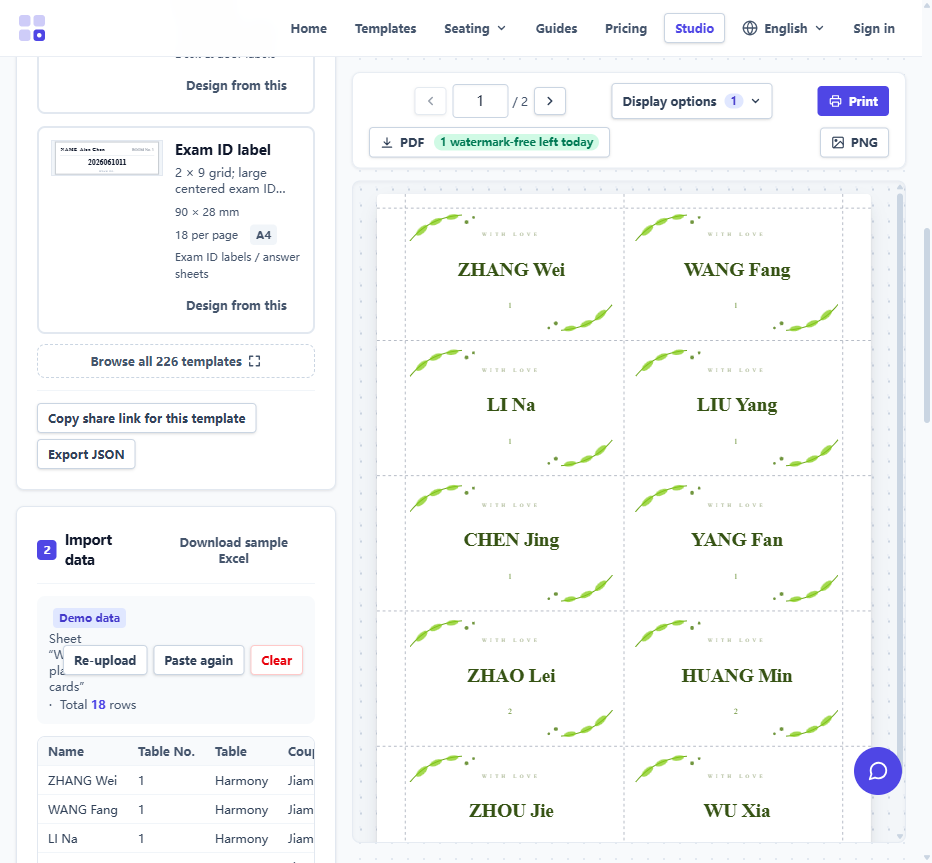
Step 2 — Import and map fields
Open the studio, pick a place card template, and upload the file. Column headers are matched to card fields automatically — name, table number, title and similar headers are recognised out of the box. Anything unmapped is listed as an unused column rather than silently dropped.
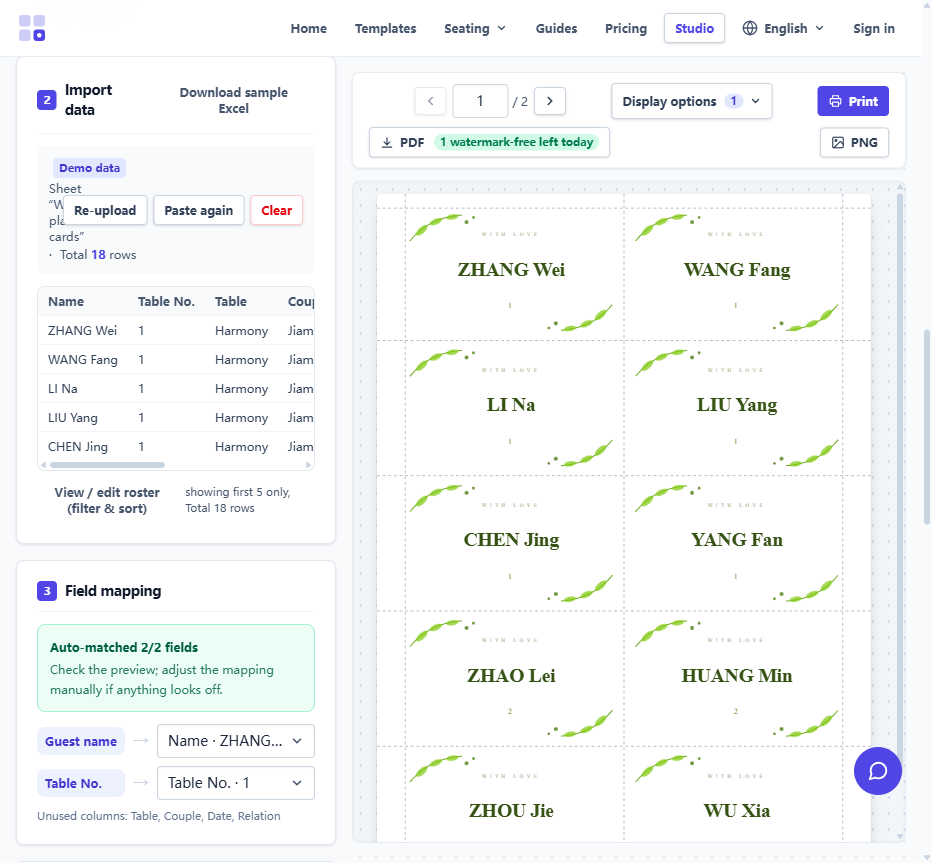
Step 3 — Preview, export, print
The preview fills with real names immediately, so spacing and length issues surface before you print. Export the PDF and print at 100% scale — "fit to page" shrinks every card and ruins the cut alignment. On 200–250 gsm card stock, the cards stand on their own after a single cut.
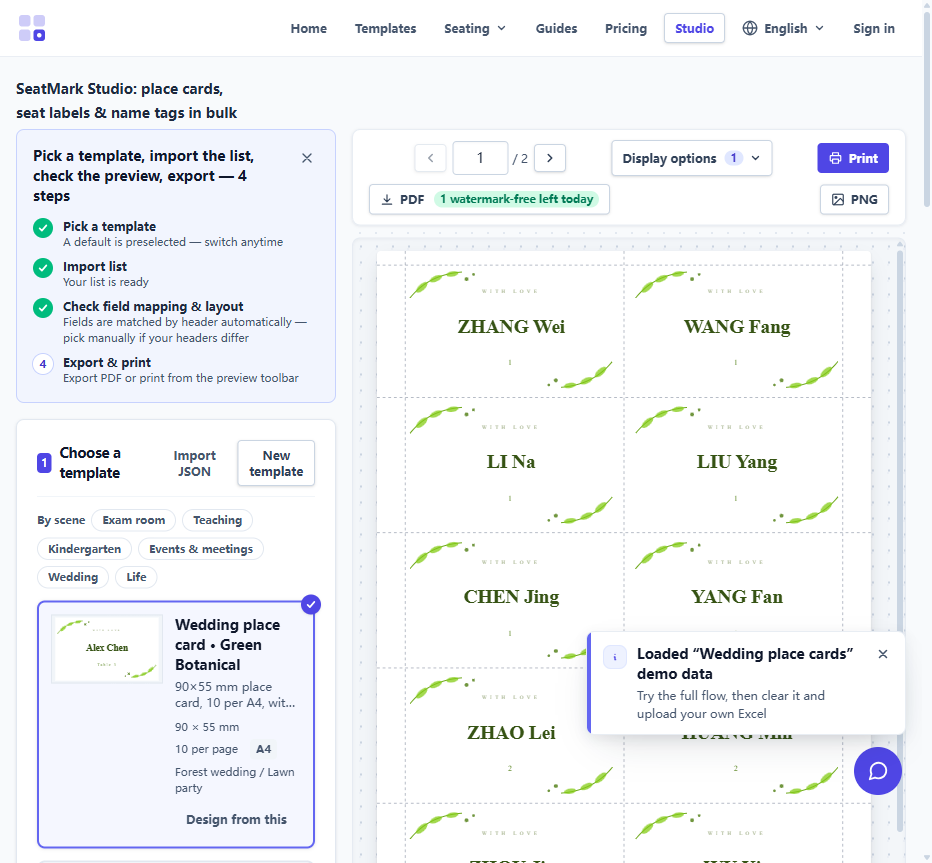
Faster than Word mail merge
If you have tried the Word + Avery route, you know the pain: merge fields, label definitions, and a template that misbehaves the moment a name is two characters too long. A roster-driven tool skips the whole merge — see the mail merge comparison for where each approach fits.